P0 · 8 min read · April 2026
What Is DLSS 5? The Complete Technical Guide to Neural Rendering (2026)
What Is DLSS 5? The Complete Technical Guide to Neural Rendering (2026)
dlss5 · neural rendering · nvidia · what is dlss 5 · 技术原理
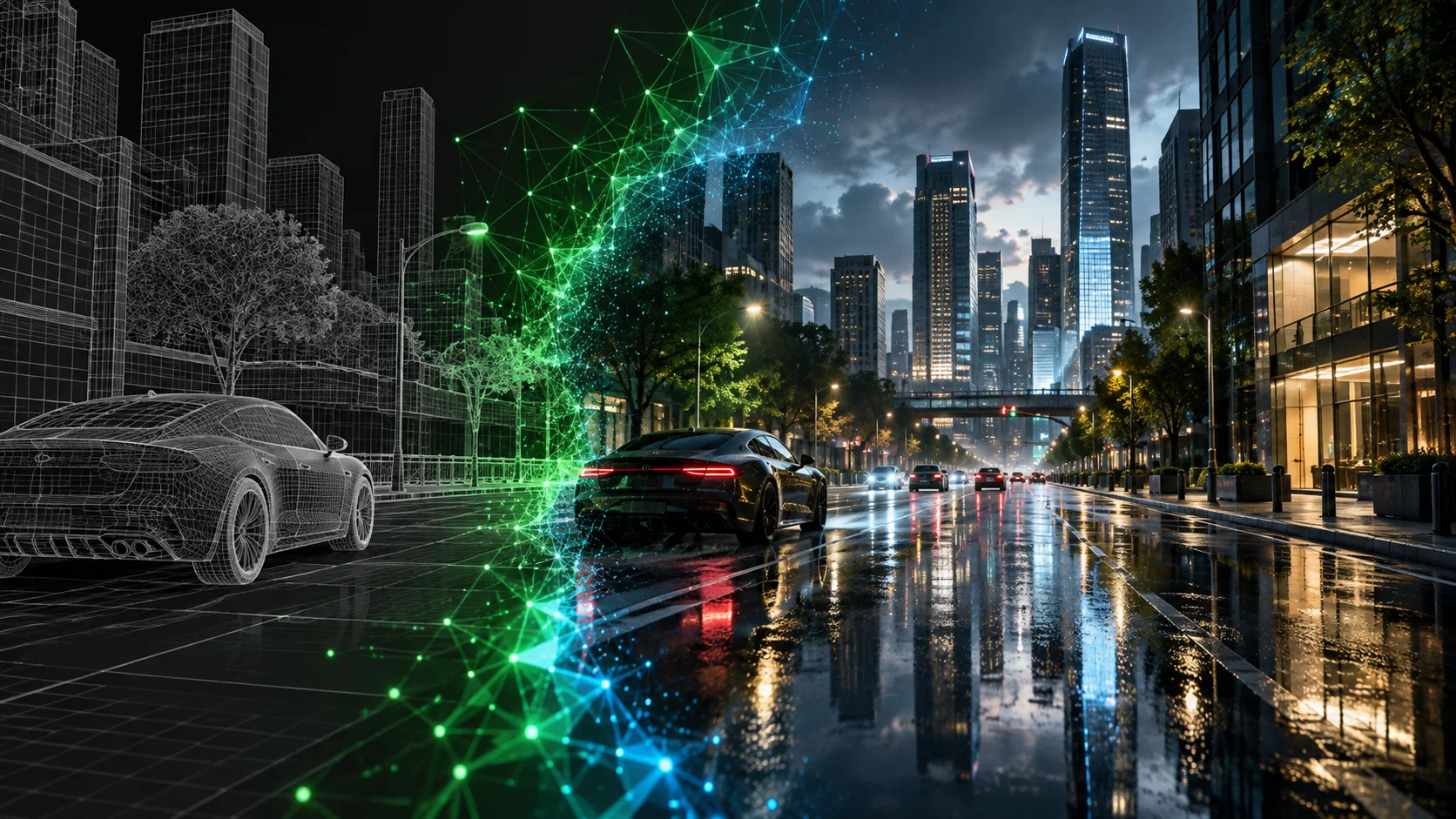
Every DLSS version before this one was fundamentally about the same thing: give gamers more frames per second without destroying image quality. DLSS 2 upscaled images smartly. DLSS 3 generated entirely new frames from thin air. DLSS 4 multiplied those frames further still.
DLSS 5 has a different goal entirely. It doesn't care about your frame rate. It wants to change what you see.
The Core Problem DLSS 5 Is Solving
Real-time game rendering has a hard ceiling. Every pixel of every frame must be computed within 16 milliseconds — the budget for 60fps at 4K. Hollywood VFX doesn't have that constraint. A single frame in a blockbuster can take hours to render on a render farm.
That's why games still look like games even when they're technically stunning. The lighting isn't quite right. Skin doesn't scatter light the way real skin does. Hair, water, fabric — they all fall short of what physics actually demands.
Traditional pipelines compute every pixel explicitly. That approach is reaching its limits. The next step is to predict pixels instead of computing them. This is where DLSS 5 changes the model — it shifts rendering from deterministic computation to learned reconstruction.
How DLSS 5 Actually Works: Step by Step
Step 1 — The game renders normally. Your GPU runs the traditional rasterization or ray tracing pipeline at full resolution. Nothing about this changes.
Step 2 — Color data and motion vectors are extracted. For each frame, DLSS 5 receives two things: the rendered color output and motion vectors.
Step 3 — The neural model analyzes scene semantics. DLSS 5's neural network recognizes what kind of surface it's looking at: skin, hair, fabric, water, metal, glass.
Step 4 — Photoreal lighting and materials are synthesized. DLSS 5 reconstructs complex effects like rim lighting, subsurface scattering for realistic skin, and contact shadows with high fidelity.
Step 5 — Output is composited back into the frame. The enhanced result is delivered in real time at up to 4K resolution.
What Makes This Different from DLSS 1–4
| Version | Problem Solved | Method | Goal |
|---|---|---|---|
| DLSS 1–2 | Pixels are missing (low-res input) | AI upscaling of rendered frames | Performance |
| DLSS 3 | Frames are missing | AI frame generation | Performance |
| DLSS 4 / 4.5 | More frames missing, faster | Multi-frame generation (up to 6×) | Performance |
| DLSS 5 | Lighting is physically wrong | Neural rendering replaces lighting model | Fidelity |
The Key Technical Distinction: Anchored vs. Free Generation
DLSS 5 uses the game engine's scene graph as a constraint — keeping enhancements consistent across frames and faithful to developer intent. By anchoring AI output to the game's own 3D data rather than generating pixels from scratch, Nvidia argues the system avoids the hallucination problems that plague generative AI image tools.
Hardware Requirements
DLSS 5 is currently confirmed exclusively for NVIDIA RTX 50 Series (Blackwell architecture) GPUs: the RTX 5060, 5060 Ti, 5070, 5070 Ti, 5080, and 5090.
RTX 40 series support has not been confirmed. RTX 30 series and older will not support DLSS 5.
What This Means for Online AI Image Tools
DLSS 5 is a real-time, in-game technology tied to specific hardware. But the underlying idea — using AI to synthesize photoreal lighting and materials — applies equally to static image processing.
The AI upscaling tools you can use online today, including ours, operate on similar principles: analyze what's in the image, understand the scene semantics, and generate detail that wasn't in the original. The difference is that we work on any image, from any source, on any device — no RTX 5090 required.
Sources: NVIDIA GTC 2026 official announcement · WCCFTech · VideoCardz · fxguide
This site is not affiliated with or endorsed by NVIDIA Corporation.