P1 · 6 min read · November 2026
A 16-Megapixel Generator Is Not a Repair Tool: MiniMax-H3-Image, Checked
MiniMax-H3-Image generates about 16 megapixels in one step-wise pass and edits reference images, but it does not restore the photo you already own. What its own model card says, what its licence forbids on this site, and which job each tool actually does.
MiniMax-H3-Image · text-to-image · image editing · image enhancement · 16 megapixels · model licence
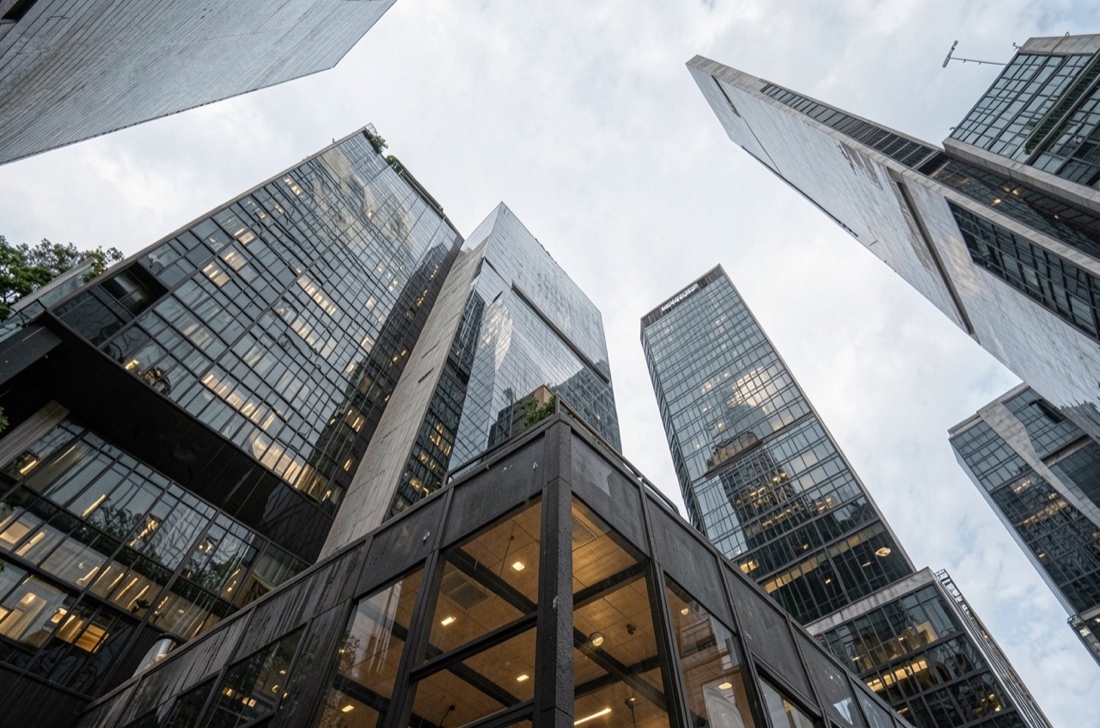
MiniMax released MiniMax-H3-Image as open weights on Hugging Face, and the numbers in its own model card are the interesting part: one checkpoint for text-to-image and for editing up to sixteen reference images, about sixteen megapixels per output at every aspect ratio — 4096 × 4096 at 1:1 up to 6272 × 2688 at 21:9 — produced at six sampling steps and, in MiniMax's own words, "directly and without an upscaler". The diffusion transformer is 33.1B parameters in BF16, 68.65 GB of weights, and MiniMax lists H200, RTX PRO 6000 Blackwell and AMD MI350X as the accelerators its reference deployments run on.
That is a serious generator. It is also, from where we sit, a different job from the one this site does, and the difference is worth stating plainly because search results and social posts already blur the two.
What the card actually claims
The card is specific, which makes it easy to check. Generation and editing share one checkpoint. Every reference image — up to sixteen — is encoded alongside the text prompt, and the model predicts the latent of the target image from that single packed sequence. Sampling is distilled to six steps with no classifier-free guidance. The showcase in the repository contains genuine before-and-after pairs: a grey clay render becoming a material-lit one, and a two-person podcast photograph edited by instruction.
What the card does not claim is that the model restores an existing photograph. Nothing in it suggests you hand it a 640 × 480 scan of a family picture and get that picture back, larger. It makes a new picture.
Why this article carries none of its pictures
Two reasons, both checkable.
The licence is a MiniMax community agreement, and its grant is limited to what the document calls the Applicable Territory: worldwide excluding the European Union, the United Kingdom, South Korea and the United States. MiniMax claims no rights over your outputs, but displaying the works or outputs outside that territory is not authorized by the agreement. This site is read in the excluded places, so we do not republish the showcase, and we are not going to borrow someone's demo screenshots to make a comparison look measured when it is not.
The second reason is hardware. 68.65 GB of BF16 weights over a 33.1B transformer needs a data-centre accelerator; there is no machine here that holds it, and there is no hosted key in our hands. A side-by-side we had not run ourselves would be a picture of a promise.
What we ran, on one input
The pictures below are not an illustration. They are two files this site paid for and produced on 2026-11-11, from a single small input taken out of our own case folder — a city street, because a skyline shows detail loss more honestly than a portrait does.
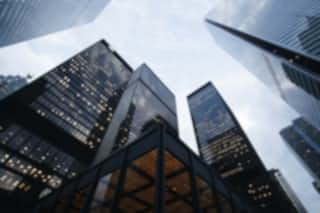
The first pass is the detail restore lane at its own size — the job of making an existing file clearer without pretending to know more about it.
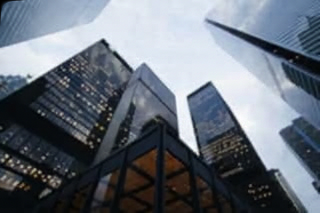
The second pass is the recipe our upscaler actually submits: a 1152 × 1536 target, eight steps, composition held, no new objects.
/image-upscaler sends, so what you see is what the product does.Run both of these on a generator instead and you would get something sharper and larger, from a model that re-composes the scene — which is exactly the trade this article is about. The fourth column of that comparison is deliberately empty: we have not run MiniMax-H3-Image's edit path ourselves, and a borrowed screenshot is not a measurement.
The comparison that is actually honest
So compare the jobs, not the pixels. Every line below is either a fact from MiniMax's own card or a number we measured and publish on our own pages.
What goes in. Theirs: a prompt, and up to sixteen reference images. Ours: the image you already have — a JPG, PNG or WebP, straight from the camera or the screenshot folder.
What comes out. Theirs: a new image of about sixteen megapixels, composed from scratch. Ours: the same photograph, larger and cleaner, capped at 1536 pixels per edge, because that is the limit our own workflow states before you spend anything.
What survives. Theirs: what the instruction asks to survive, which is not the same as what actually survives — a face or a line of text can be re-imagined, and the card itself shows edited photographs where poses change. Ours: the composition, which is the entire point of enhancement and also its limit; we cannot invent a detail that was never in the file, and we say so on the page.
What it costs you to try. Theirs: a GPU class most people do not have, or an account on a hosted platform. Ours: a guest example that runs without signing in, and one credit for your own file.
Where you can read the rule. Theirs: the community licence, including the territory clause. Ours: the input note printed under the button, before you upload.
Which one to reach for
If you need a picture that does not exist yet — a scene, a character, a poster, a product concept — a generator is the right tool, and this one is among the strongest open-weight options today. If the picture already exists and its detail is the thing you care about, generation is the wrong instrument: it will happily redraw the face you were trying to keep.
For that second case the route on this site is the free example on the visual enhancer, or the image upscaler when you know the output size you need. Both run in the browser, both state their limits first, and neither pretends to be a diffusion model with sixteen megapixels of imagination.
This is an independent article. MiniMax and MiniMax-H3 are trademarks of their owner; DLSS is a trademark of NVIDIA Corporation. This site is not affiliated with either.
Try the free AI image tool · Check the source-linked GPU evidence